Automate repetitive programming tasks
Generate first-pass operations for supported milling features using programmed macros. Reduce manual setup of routine operations and start with a program ready for review.
CAM Wizard for Autodesk Fusion
Automate repetitive tasks in Autodesk Fusion and move from job setup to an editable first-pass program.
Generate fixture placements, milling operations and setup sheets with macro-driven automation. Review and refine the results using the Fusion tools you already work with.
For Windows + Autodesk Fusion · In development
 Automated first-pass programming
Development target
of programming groundwork
automated for supported parts.
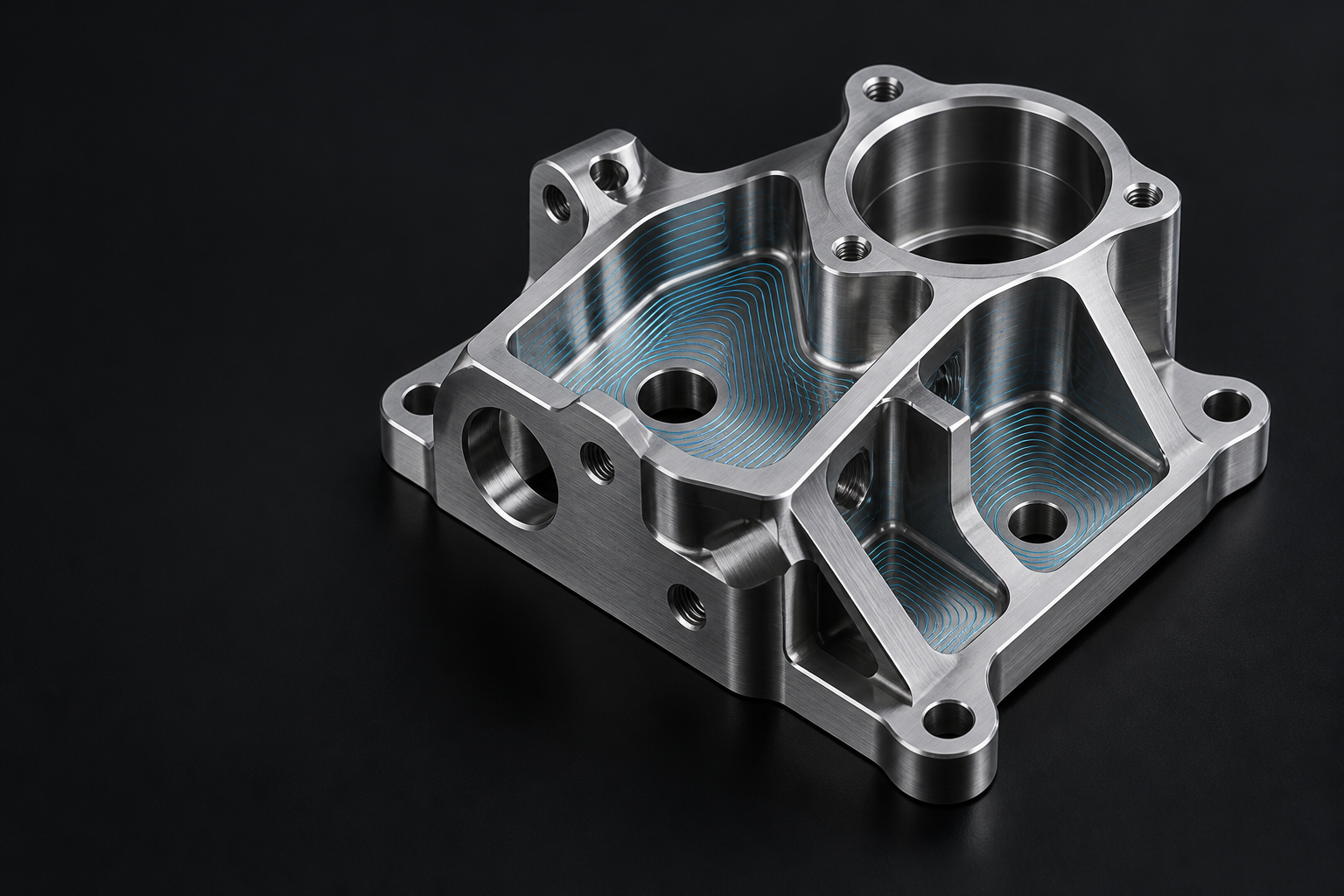
A development target for supported parts. The amount automated depends on the part and setup. Visual shown is illustrative.
Key benefits
Reduce repetitive work and focus your machining experience on reviewing and refining the finished program.
Generate first-pass operations for supported milling features using programmed macros. Reduce manual setup of routine operations and start with a program ready for review.
Position workholding in your Fusion setup with automatic fixture placement. Review the arrangement and adjust it to match the requirements of your job.
Refine tool selection, cutting parameters and machining sequences with editable Fusion operations. Apply your experience to the details that determine how the job runs.
Create setup sheets automatically in a clear, practical layout designed for the person setting up the job. Reduce manual documentation and make essential information easier to find during the handover to the machine.
Programming workflow
Specify the part, machine, stock, fixtures and available tools to establish the requirements for the job.
Run the macros to position fixtures and create first-pass operations for supported milling features.
Review the setup, adjust the operations, then simulate and verify the output for your machine.
Data privacy
Keep CAM generation on your own computer with macro-driven software built around local processing.
CAM Wizard uses programmed software rules and macros to generate operations. Its CAM automation uses no AI models or prompts.
The automation runs on your Windows computer. CAM Wizard does not send your part geometry to an AI service or a cloud processor to generate the program.
Account and licence checks use online services. Autodesk Fusion’s own data handling still applies.
View data and connectivity detailsExplore CAM Wizard
Designed for supported 3-axis and indexed 3+2 milling in Autodesk Fusion. Review release information and follow product development.