
What makes a useful first-pass CAM program?
The thinking behind CAM Wizard: a practical starting point, with the important decisions still in your hands.
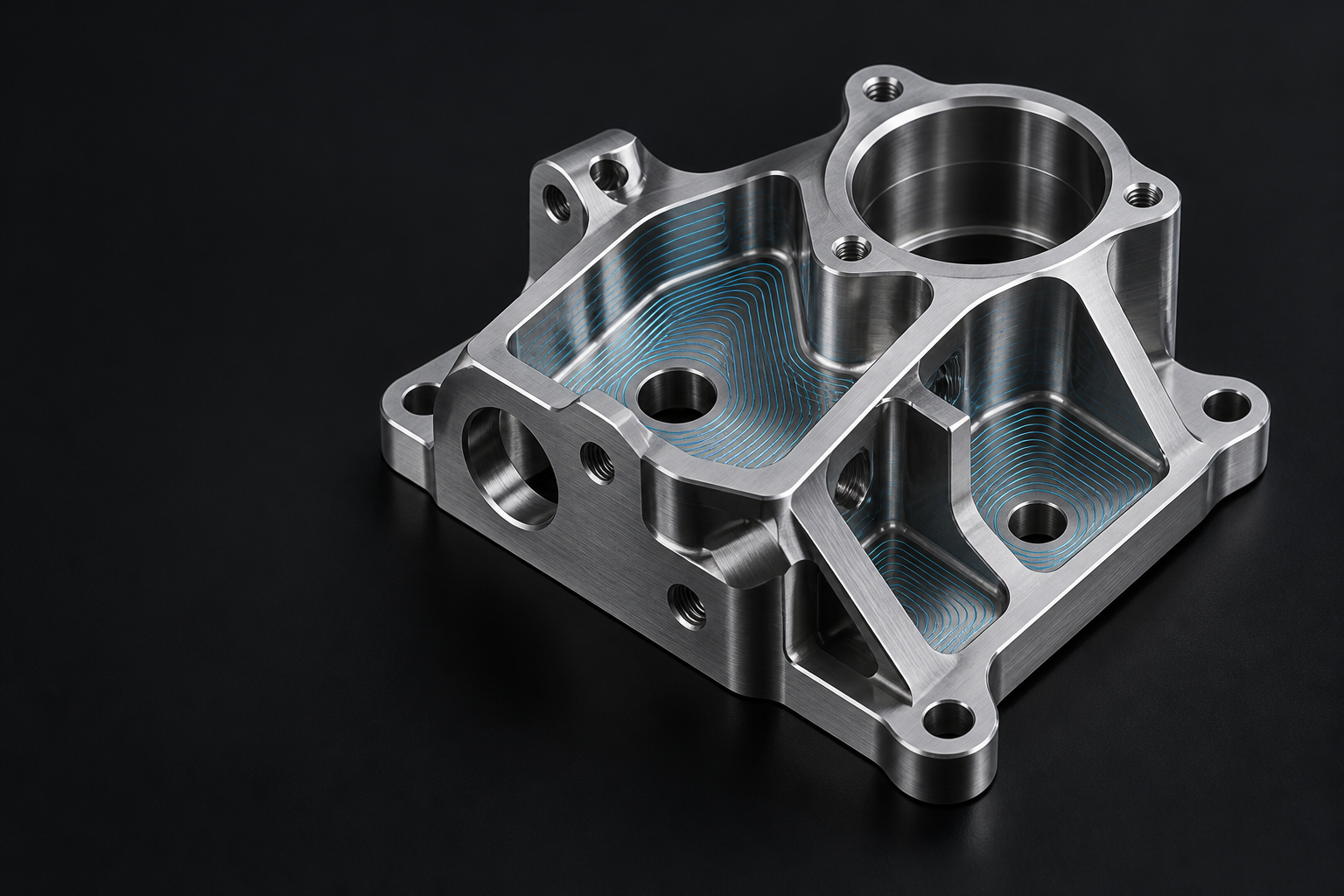 Illustrative visual
Start with something you can understand
A useful first pass is more than a collection of operations. It should make the intended setup, tooling and machining sequence clear enough for you to question, change and improve.
That is the direction of CAM Wizard: helping turn supported milling parts into a reviewable starting point inside Autodesk Fusion. The product is in development, and the emphasis is on making that starting point useful to the person who will finish the job.
Bring the workshop context with you
The same part can call for different decisions on different machines. Available tools, stock, access and workholding all shape a sensible approach. Those inputs deserve attention before generating operations.
Automation is most useful when it reduces repetitive work while keeping the assumptions visible. A plan should give you a place to check those assumptions before moving further.
Keep the program editable
CAM Wizard is being built around editable Fusion operations. The aim is to let you continue working in the environment you already use, with room to refine the sequence and details.
A generated first pass is a starting point for review. Simulation, post-processor suitability and machine prove-out remain separate parts of preparing a program for real equipment.
Built around a clear scope
The intended focus is milling, including supported 3-axis and indexed 3+2 workflows. Turning and simultaneous five-axis machining are outside that focus.
As development progresses, this journal will explain the workflow and share product updates. Release availability will be published on the Downloads page.
Explore the product behind the thinking.
Meet CAM Wizard